You have the option to use the Copy Supplier function, if and when there are suppliers with the same details eg. Central Reservations contact details (parent and child supplier).
- From the Travelogic Dashboard, click on the Suppliers tab in the left-hand menu
- From the list of suppliers, highlight the supplier you would like to copy
- Now click the Copy button on the top banner

- Select the items you would like to copy to your new supplier
- Click Next
- Enter the Name of your new supplier
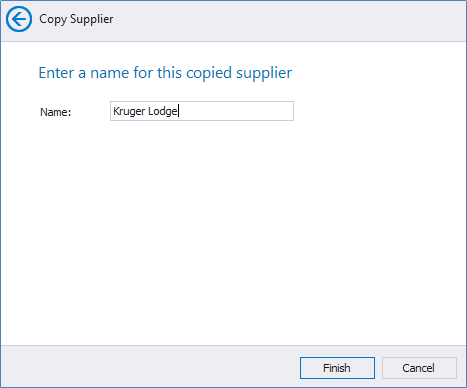
- Click Finish
- Search for your supplier by name and you can now go ahead and edit the copied suppliers relevant details to what it needs to be
TIPS!
The Rate Rules and the Rate Sheet work in conjunction with each other, so take care when making your selections of items to copy. If you do not select the Rate Sheet, then be aware that the Rate Rules will not be copied either.
Only select the Contact item if the contact details are infact the same eg. Central Reservations